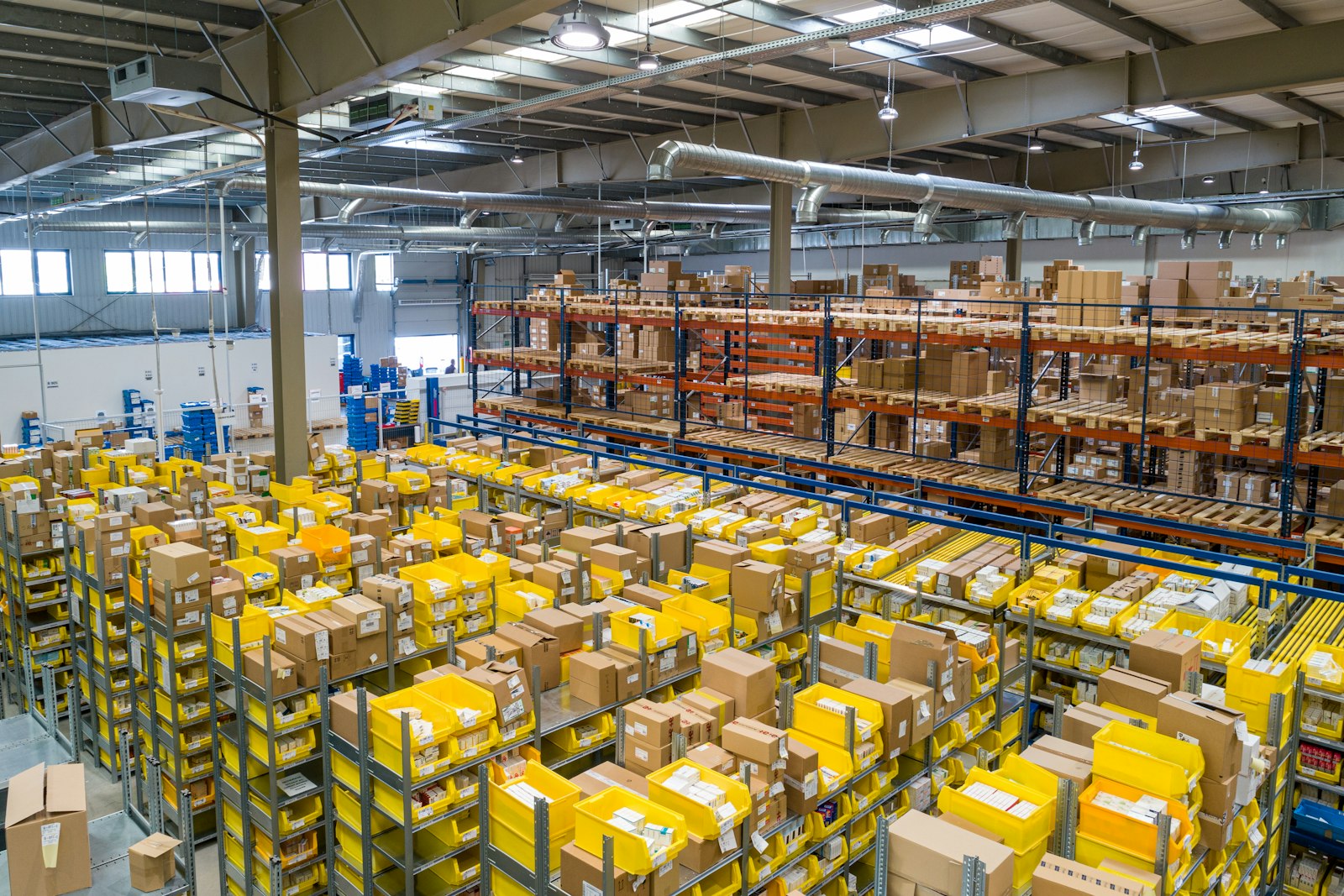
Wholesale catalog management has a scale problem.
A regional distributor might carry 15,000 SKUs across 200 suppliers. Each supplier delivers a product feed in a different format: one sends a PDF catalog, another an Excel spreadsheet, a third a flat-file export with proprietary column names. None of them send the same fields. None of them send images in the same resolution or naming convention.
The traditional approach — hiring a team to manually normalize and enrich each supplier feed — doesn't scale past a few thousand SKUs. It's error-prone, expensive, and impossible to keep synchronized when suppliers push updates.
The modern approach uses barcodes as a universal identifier, product data APIs as the enrichment engine, and automated pipelines to normalize everything upstream — before it touches your catalog system or customer-facing interface.
Here's how it works.
The Core Problem: Supplier Data Is Not Customer-Ready
Supplier product feeds are designed for procurement, not for customer presentation. They're built around internal part numbers, abbreviated descriptions, and logistics metadata. They're missing almost everything a B2B buyer needs to make a purchasing decision:
- High-resolution product images
- Accurate descriptions written for buyers, not purchasing managers
- Normalized attribute sets (dimensions, weights, material specifications)
- Category taxonomy that matches your catalog structure
- Compliance data (safety ratings, certifications, country of origin)
Filling these gaps manually is the hidden cost of wholesale distribution. For a 10,000-SKU catalog, manual enrichment at 15 minutes per product is 2,500 person-hours of work — roughly 15 months for a single full-time employee.
The alternative: treat the barcode on every product as a lookup key to retrieve this data automatically.
Barcodes as the Universal Catalog Anchor
Every physical product that moves through retail or wholesale channels carries a GTIN — a Global Trade Item Number, encoded as a UPC-A (12 digits), EAN-13 (13 digits), or other format. GTINs are globally unique identifiers assigned by GS1, the international standards body for supply chain data.
That uniqueness is the foundation of catalog automation:
- The same GTIN appears on the product, in the supplier spreadsheet, in warehouse systems, and in every retailer's database
- Third-party product data services have built comprehensive databases indexed by GTIN, aggregating data from manufacturers, distributors, and major retailers
- Any product that moves through legitimate retail channels has data that can be retrieved by GTIN lookup
For a distributor, this means: given a supplier spreadsheet with GTINs and prices, you can retrieve enriched product data for the vast majority of SKUs without manual research.
Coverage Rates by Category
Coverage varies by product type. Based on data from wholesale distributors using barcode-first enrichment pipelines:
| Category | Typical Match Rate | Data Completeness |
|---|---|---|
| Consumer electronics | 90–95% | High (images, specs, full descriptions) |
| Grocery and food | 85–92% | High (nutrition, allergens, brand data) |
| Hardware and tools | 75–85% | Medium (specs often present, images variable) |
| Apparel and accessories | 65–80% | Medium (varies by brand and vintage) |
| Industrial parts | 40–65% | Lower (proprietary parts, limited retail presence) |
| Private label products | 20–40% | Low (minimal third-party coverage by design) |
Products outside the 85%+ match rate zones require hybrid workflows — automated enrichment for the matched portion, manual attention for the gaps. The pipeline should handle this gracefully, logging unmatched GTINs and routing them to a review queue.
The Automation Architecture
A production-grade B2B catalog automation pipeline has five layers:
Layer 1: Ingestion — Normalizing Supplier Feeds
Supplier data arrives in incompatible formats. The ingestion layer normalizes everything into a common internal schema before any enrichment happens.
Key transformations at ingestion:
- GTIN normalization: Convert all barcode formats to GTIN-14 (zero-padded 14-digit format) for consistent lookups
- Deduplication: Suppliers sometimes send the same product under different internal SKUs — GTIN-based deduplication catches these
- Currency and unit normalization: Prices in different currencies, weights in different units, dimensions in different systems — normalize to your catalog standard
- Supplier-SKU mapping: Maintain a persistent mapping between supplier part numbers and your internal catalog IDs so updates can be applied to existing records
Layer 2: Enrichment — GTIN Lookup
For each normalized record, query a product data API with the GTIN. A well-structured response returns:
{
  "gtin": "00012000161155",
  "name": "Dr Pepper Soda, 12 fl oz, 12-Pack",
  "brand": "Dr Pepper",
  "manufacturer": "Keurig Dr Pepper",
  "category": "Beverages > Soft Drinks > Cola",
  "description": "Dr Pepper is the original unique blend of 23 flavors...",
  "images": [
    "https://cdn.example.com/00012000161155-front.jpg",
    "https://cdn.example.com/00012000161155-back.jpg",
    "https://cdn.example.com/00012000161155-lifestyle.jpg"
  ],
  "attributes": {
    "size": "12 fl oz",
    "pack_count": 12,
    "caffeine": "41mg per 12 fl oz"
  },
  "weight_g": 4082,
  "dimensions_cm": {"l": 32, "w": 22, "h": 15},
  "data_quality_score": 91
}
The data_quality_score is a calculated confidence metric indicating how complete and accurate the returned data is likely to be. High-score records can be auto-approved into your catalog; lower-score records are flagged for human review.
Layer 3: Taxonomy Mapping — Aligning to Your Catalog Structure
Your catalog has its own category structure. The enrichment API returns a category path (e.g., Beverages > Soft Drinks > Cola). You need to map that to your internal taxonomy (e.g., FOOD & BEVERAGE > Drinks > Carbonated).
Build this mapping once per category. Store it as a lookup table. Every product that comes through gets auto-categorized based on the API's category, mapped to your structure.
For categories that don't have a mapping yet, route the product to a review queue where a human can assign the category and the system learns the mapping for future products.
Layer 4: Validation — Quality Gates Before Catalog Entry
Before any enriched record enters your live catalog, run automated validation:
- Required fields check: Name, at least one image, description, category, weight — all must be present
- Image resolution check: Minimum 1000px on shortest side (2000px preferred for zoom capability)
- Description length: Minimum 100 words — shorter descriptions are likely manufacturer copy that won't help SEO or buyer decision-making
- GTIN format validation: Confirm the barcode passes the GTIN check-digit algorithm
- Price reasonableness: Flag any record where your pricing calculation produces a retail price outside expected margin ranges
Records that fail validation go to a review queue. Records that pass go directly to your catalog system.
Layer 5: Synchronization — Keeping Catalogs Current
Supplier catalogs change. Products discontinue. New products launch. Prices update. The synchronization layer handles these changes without full re-imports:
- Delta detection: Compare incoming supplier feeds against existing records; only process records that have changed
- Discontinuation handling: When a supplier removes a product from their feed, flag it in your catalog for review rather than automatically removing it (it may still be in inventory)
- Price update propagation: Supplier price changes trigger automatic re-calculation of your pricing tiers and customer-facing prices
- Image refresh: Periodic re-checks of image URLs to detect broken links or updated product imagery
B2B-Specific Catalog Requirements Beyond Product Data
B2B catalogs carry requirements that consumer catalogs don't — and enrichment pipelines need to account for them.
Customer-Specific Pricing Tiers
B2B buyers expect pricing that reflects their volume and relationship. A product's catalog entry needs to support multiple pricing tiers:
- List price (reference)
- Tier A / Tier B / Tier C (volume brackets)
- Contract pricing (individual customer agreements)
- Minimum order quantity per tier
This pricing data doesn't come from product data APIs — it comes from your ERP or pricing engine. The enrichment pipeline needs to leave these fields structured and populated downstream.
Compliance and Regulatory Data
Depending on your category, products may require:
- SDS (Safety Data Sheet) for chemicals and hazardous materials
- Proposition 65 warnings for California sales
- Country of origin for trade compliance
- Age restriction flags for regulated categories
- UL/CE/FCC certifications for electronics
Some of this data appears in product API responses. More often, it comes from supplier compliance documentation. Build your data model to capture it and surface it appropriately in your catalog.
Substitution and Alternative Products
B2B buyers frequently encounter out-of-stock situations. Your catalog should link related products (substitutes, upgrades, accessories) in a way that lets buyers self-serve when their preferred product is unavailable.
GTIN-based enrichment naturally supports this: when two products share the same brand and attribute profile but different GTINs, they're strong substitution candidates. Build that relationship into your catalog schema.
The Build vs. Buy Decision for Enrichment Infrastructure
Distributors evaluating catalog automation typically face a build-vs-buy decision:
Buy (SaaS PIM with enrichment): Platforms like Akeneo, inriver, or Sales Layer offer end-to-end PIM solutions with some built-in enrichment capabilities. These are appropriate for distributors with 50,000+ SKUs and enterprise budgets. Licensing typically starts at $2,000–5,000/month.
Buy (API-only enrichment): Product data APIs like SKU Monster provide the enrichment layer via API — you build the pipeline, they provide the data. This approach gives you control over the pipeline architecture without PIM licensing costs. It's appropriate for distributors with engineering resources who need flexibility.
Build (internal data team): Some large distributors build proprietary enrichment by scraping manufacturer websites and aggregating data internally. This works but requires ongoing maintenance as manufacturer sites change and requires significant initial investment.
For most regional distributors (5,000–50,000 SKUs), the API-only enrichment approach hits the best cost-to-capability ratio. The pipeline is custom to your workflow; the data source is maintained externally.
Measuring the Impact
Catalog automation generates measurable improvements across three dimensions:
Onboarding speed: A new supplier catalog that took 3–4 weeks to onboard manually now takes 2–3 days. For distributors that add 5–10 new suppliers annually, this is months of recovered time.
Data quality: Automated enrichment consistently produces more complete data than manual entry. Human entry has a 3–8% error rate per field; GTIN lookup for well-covered products returns data with error rates below 1%. More consistent data means fewer customer service calls about incorrect specifications.
Catalog coverage: When manual enrichment is the bottleneck, distributors often deprioritize lower-margin or slower-moving SKUs. Automated enrichment removes the bottleneck entirely — every product in the catalog gets the same enrichment treatment regardless of margin.
The compound effect shows up in search performance, buyer self-service rates, and average order value. Buyers who can find products with complete data and clear images add more to their cart. Buyers who hit sparse listings with missing images abandon.
Getting Started: The Minimum Viable Pipeline
For a distributor ready to move from manual enrichment to automated, the minimum viable pipeline is straightforward:
- Extract GTINs from your existing catalog — even if they're buried in supplier fields or product descriptions
- Run a GTIN lookup test on 100–200 products to understand your coverage rate across categories
- Build a simple Python script that takes a CSV of GTINs, calls the product data API, and outputs an enriched CSV
- Validate the output against your catalog system's required fields
- Run a pilot import on a single supplier's catalog to measure time savings and data quality improvement
The pilot typically delivers enough evidence — time saved, data quality compared to manual — to justify expanding to the full catalog.
The 10,000-SKU catalog that looks like a three-month project is often a two-week project when the data is right.
SKU Monster is a product data API for B2B distributors, resellers, and catalog managers. Given any EAN/UPC/ISBN, the API returns enriched product data including images, descriptions, attributes, and dimensions. Enterprise customers use the API to power wholesale catalog automation pipelines across tens of thousands of SKUs. Documentation and free tier available at sku.monster.
Ready to Try SKU Monster?
If you're managing product data at scale — whether you're on Amazon, Shopify, eBay, or WooCommerce — SKU Monster gives you structured titles, descriptions, images, and pricing for any EAN, UPC, or ASIN in seconds.
No manual entry. No scraping. Just clean product data via API.